Offers in one click
An enquiry becomes an offer with a fixed price, as a link, PDF or text for WhatsApp. One click, and your guest is in the booking form. You see whether they opened it.
For holiday rental hosts with Smoobu
Smoobu stays your system. BineBoost brings booking to your website: in your design, with your pricing rules, straight into your Smoobu calendar.
No credit card. The trial ends on its own.No credit card, ends on its own. Then from €9.00 per month, plus VAT.
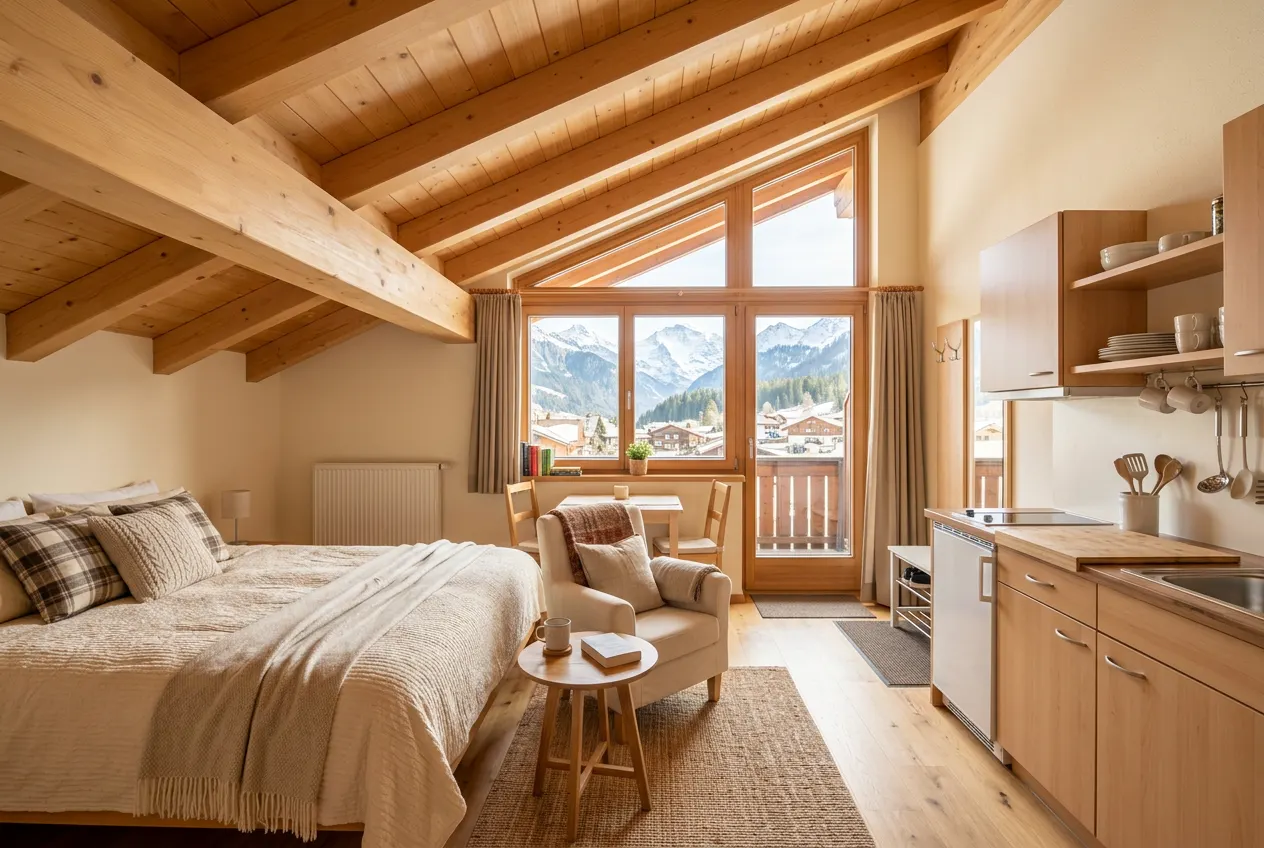
Customise the live demo yourselfExample with values from the demo account: on the website of a holiday apartment, the booking engine takes on the colours of the site. For Studio Enzian, 4 nights, 2 adults, it shows 399 euros for accommodation from the nightly rates, which in your case come from Smoobu, 50 euros for final cleaning and 40 euros city tax, 489 euros in total, of which 134.70 euros is the deposit at booking. In your case, every booking then lands in your Smoobu calendar instantly.
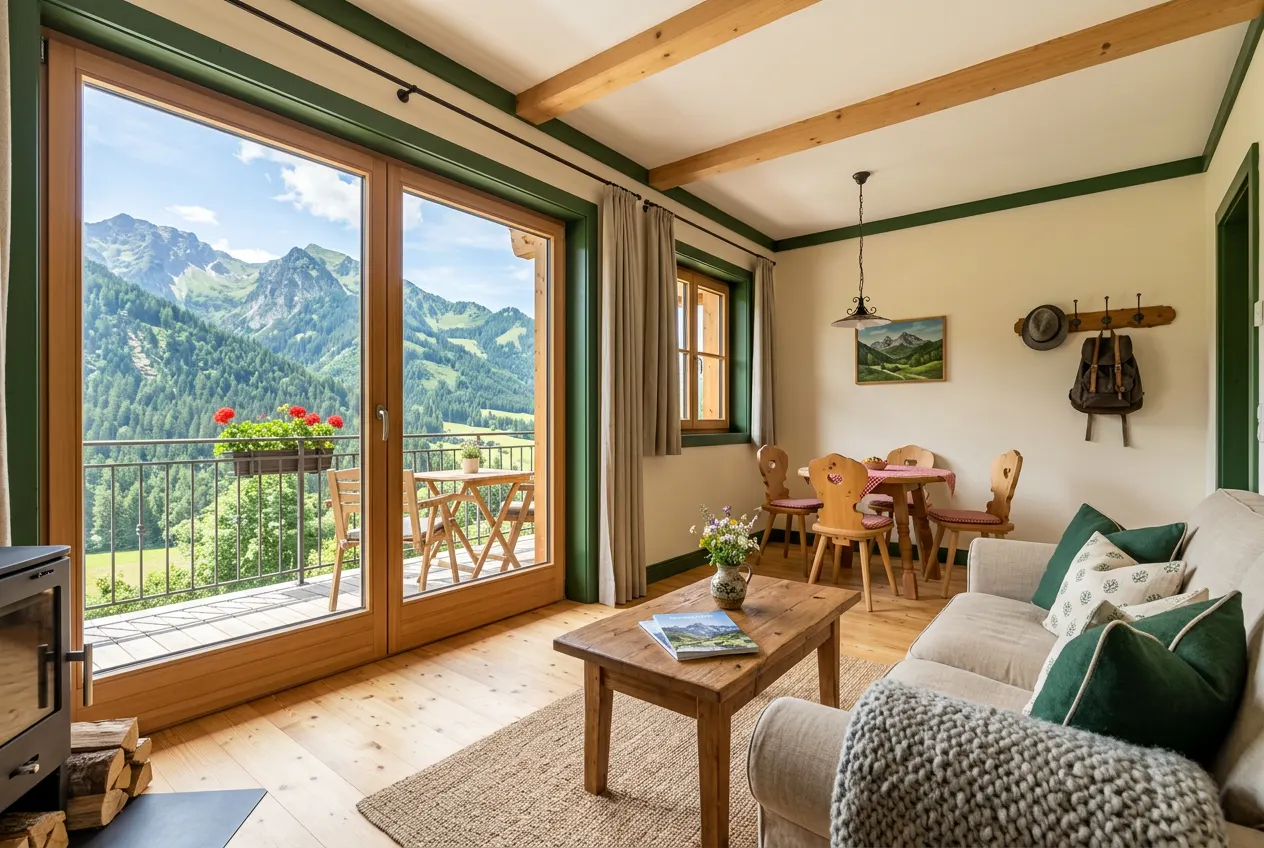
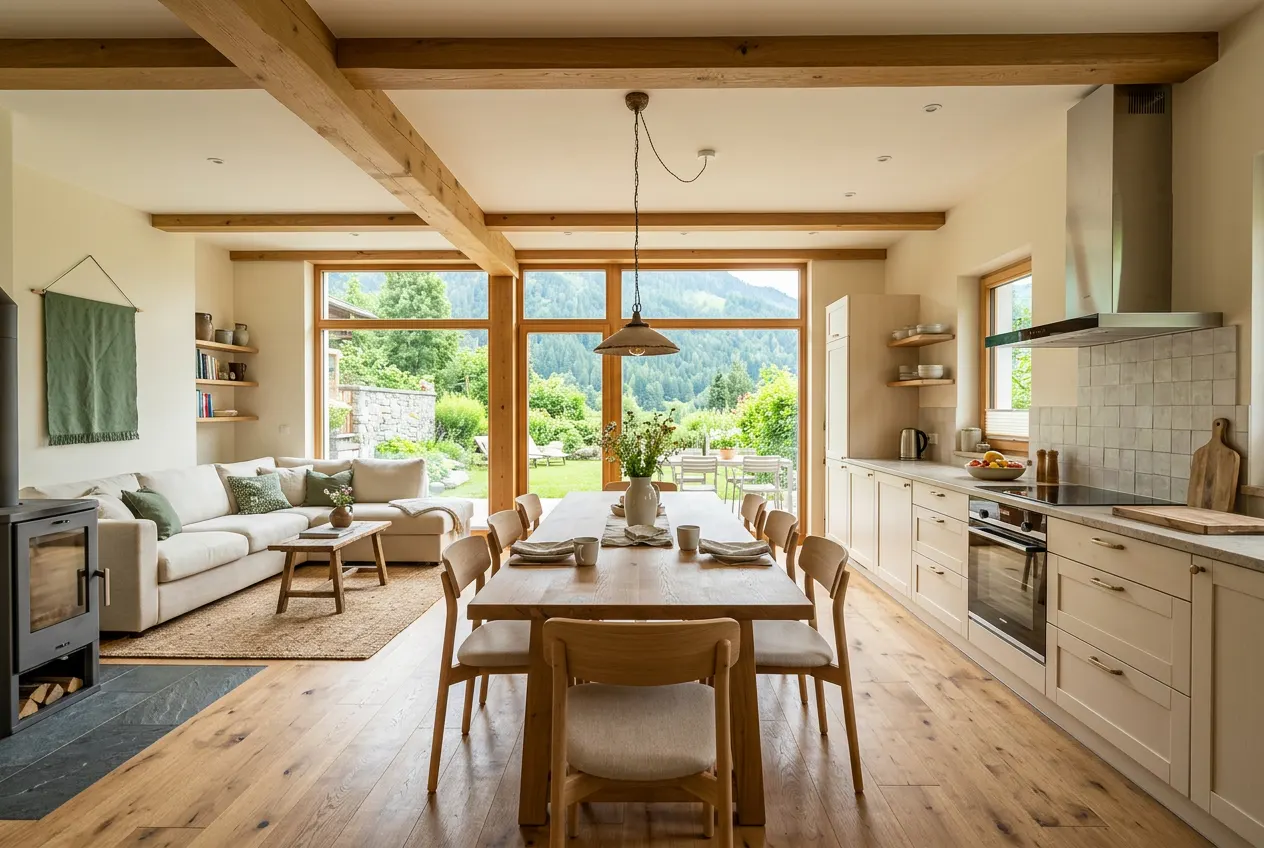
Different website, different design:
Your choice also applies to the live demo below.Go to the live demo
Is this for me?
BineBoost is a booking engine for the websites of holiday rental hosts that sits on an existing Smoobu account through the official Smoobu API, complementing Smoobu rather than replacing it.
Your own booking engine: search, calendar, price, payment and confirmation.
See how it looksEverything. Every booking lands in your Smoobu calendar instantly.
See how it fits togetherFrom €9.00 per month, plus VAT. No commission per booking.
Price calculator7 days free, no credit card. If you like, I’ll go through the setup with you.
How to get startedOne “no”? Then take a look at the live demo.
What will it look like on my website?
No video, no screenshot: the real booking engine, live. Set the design and instantly see what your guests see.
Loading the live demo…
The live demo isn’t loading right now.
Open the live demo in a new tab (opens in a new tab)Your data saver is on, so the demo only loads when you click.
The apartments, photos and prices are examples from the demo account. Open the live demo in a new tab (opens in a new tab)
Requirement: a paid Smoobu account with API access.
Exactly like this, with your properties:
Exactly like this, with your properties: Try it free for 7 daysNo credit card. The trial ends on its own.
What changes in my Smoobu?
BineBoost fetches what it needs for the calculation from Smoobu and writes every booking back. Everything else stays as it is.
Diagram: nightly rates, available days and minimum stay come from Smoobu to BineBoost and onto your website. Every booking from your website goes through BineBoost into your Smoobu instantly, and Smoobu passes it on to your channels, such as Booking.com and Airbnb.
synced automatically
once, then it runs
after every booking through your website
No. You only create an API key for BineBoost. You swap out your current booking engine when you’re ready.
Yes. BineBoost uses the official Smoobu API with your own key, the route Smoobu’s help describes for external tools.
Does it calculate the way I charge?
Nightly rates live from Smoobu, everything else by your rules. Before booking, your guest sees what they pay, what for and when.
Studio Enzian · 2 adults
Tuesday to Saturday · 4 nightsCheck-in Tuesday · Check-out Saturday
This is how the four nights appear in your Smoobu price calendar: Tuesday, Wednesday and Thursday at €95 each, Friday €114. Together €399.
From 7 nights, the long-stay discount applies: 5% of €703 = €35.15. Discounts only reduce the accommodation, never final cleaning or city tax.
A fixed fee per stay that you enter in BineBoost, here €50 with 10% VAT.
€20 per night, at most €100 per stay: 4 × €20 = €80. The pet fee does not count towards this deposit rule.
€5 per night and person aged 15 and over, without VAT: €5 × 2 people × 4 nights = €40.
€399 + €50 + €40 = €489.
Accommodation and final cleaning include 10% VAT: €449 × 10 / 110 = €40.82. The city tax has its own rate, here 0%.
30% of accommodation and final cleaning, which is how the deposit rule is set up: 30% of €449 = €134.70. The city tax is not included here.
€489 − €134.70 = €354.30.
You transfer the deposit (30%) right after booking; the balance is paid on arrival.You pay the deposit (30%) by card now; the balance is paid on arrival.
Replica with the rules of the demo account. The live demo above calculates exactly the same way.
Every price is recalculated before booking. It can’t be changed in the browser.
Final cleaning, pets, breakfast and city tax each carry their own rate.
Can each property calculate differently?
Set it up once for all properties. If one charges differently, it gets its own row.
Only the Bergblick Suite calculates differently in winter.
Example: ages 0 to 2 free, 3 to 11 €25, 12 to 14 €35 per night.
Only on your website; in Smoobu everything stays as it is. Example: 1 night instead of 2, with a €30 surcharge.
Without a setting, all discounts apply together. If you make two mutually exclusive, your guest gets the one that saves them more.
What does my guest experience?
Built for the two questions that otherwise lead to a phone call: are my dates available, and what exactly does it cost?
Every property with a real starting price instead of “price on request”. Children by age, pets only where they are allowed.
A calendar with the nightly rate on every day. Booked days are blocked, and the minimum stay is shown right there.
Instead of “fully booked”, your guest gets a matching suggestion to click. If nothing is available, they send you an enquiry.
Up to 20 photos, floor plan, texts and amenities. Your guest sees discounts, deposit and cancellation terms before even picking dates.
Every item listed, with VAT, deposit and balance. If a price changes, the booking engine asks instead of booking silently.
Booking number, breakdown and everything about payment. At this moment, the booking is already in your Smoobu.
Replicas using the texts of the booking engine.
Five languages, with formal address in German too.
Built for phones: large fields, one month in the calendar.
No cookies and no third-party trackers in the booking engine.
And if a large group comes?
If no property is big enough, the booking engine suggests several as a package. Your guest books once at one total price; in your Smoobu there is one booking per property.
Example with values from the demo account: a guest searches for 8 adults and 4 nights. No property is big enough, so the booking engine suggests the Garten-Apartment for 6 and Studio Enzian for 2 adults as a package, 1,685 euros in total. Your guest books once at this total price. Your Smoobu calendar then shows two bookings, 1,196 euros in the Garten-Apartment and 489 euros in Studio Enzian.
How do I get my money?
Bank transfer, card via your own Stripe account or both, even different per property.
What does it do for me day to day?
Tools that save you messages, phone calls and number crunching. All included in the price.
An enquiry becomes an offer with a fixed price, as a link, PDF or text for WhatsApp. One click, and your guest is in the booking form. You see whether they opened it.
What guests search for, where they drop off and which demand failed because of your rules. Plus the results of your direct bookings. No cookies.
Check any price against your real nightly rates. The go-live checklist shows what is still missing before your first booking.
How do I start, and can I manage it?
A short video shows you every click. Only your photos, texts and pricing rules take time.
Business name, email, password. No credit card.
Create an API key in Smoobu and enter it in BineBoost. Your properties come in on their own.
Photos, texts, pricing rules, payment methods and design. The go-live checklist shows what is still missing.
If 7 days are not enough, everything stays saved.
Replica of the menu bar.
Your booking engine has its own address and a preview. Nothing changes on your website until you embed it.
Two lines of code in your website, with guides for WordPress, Wix, Jimdo, Squarespace and Smoobu’s website builder. No website? Simply share the booking link.
<div data-bineboost="your-business"></div> <script src="https://bineboost.com/einbetten.js" async></script>Example. You will find your code in the dashboard under “Embedding”.
On most sites the height adjusts on its own.
Every booking is in your Smoobu calendar right away, like any other.
I take about 30 minutes and go through the setup with you via screen sharing, free of charge.
Request an appointmentIf no email program opens, write directly to [email protected].
What does it cost?
€9.00 a month for the first property, €5.25 for each additional one, 10% less when paid yearly. No commission, no setup fee. All prices plus VAT.
| Properties | Monthly | Yearly | Avg. per property |
|---|---|---|---|
| 1 | €9.00 | €97.20 | €9.00 |
| 2 | €14.25 | €153.90 | €7.13 |
| 3 | €19.50 | €210.60 | €6.50 |
| 4 | €24.75 | €267.30 | €6.19 |
| 5 | €30.00 | €324.00 | €6.00 |
| 10 | €56.25 | €607.50 | €5.63 |
| 20 | €108.75 | €1,174.50 | €5.44 |
Avg. per property per month, based on the monthly plan. All prices plus VAT.
Requirement: a paid Smoobu account with API access.
Try free for 7 daysNo credit card. The trial ends on its own.
Who is behind it?

I am Christian Strigl from Oetz in Tyrol. I rent out holiday apartments with Smoobu myself and wanted a booking engine that looks like my website and calculates the way I do. That is how BineBoost came about. If you write to me, I answer you personally.
Christian Strigl
more than €4,000,000in booking revenue I have generated myself through Smoobu
Servers in Amsterdam, a backup every day, data processing agreement at no extra cost.
Your Smoobu key is stored encrypted. BineBoost never sees your guests’ card details.
A committed 99.5% availability per month, with a public status page.
More than 30 versions have been released since July 2026. Other hosts are already taking bookings through it, with exactly the booking engine from the live demo.
more than 30 versions
today
Can BineBoost do that?
For reference: open a section or search for a keyword.
82 entries
Nothing on this in the overview, but in the questions further down. To the questionsThere is nothing on this here. Ask me: [email protected]
Nightly rates from Smoobu Live from your Smoobu rate calendar, even if a pricing tool fills it.More: Nightly rates from Smoobu
Every pricing rule per property One row for all, a row of its own for each exception. You assign fees and custom discounts per property.More: Every pricing rule per property
Extra guests Surcharge per person and night from a guest count you set, up to 10 tiers, separate rates for up to 6 seasonal periods.More: Extra guests
Child rates A nightly rate of its own per age group, up to 4 groups per rule.More: Child rates
Single occupancy Discount or surcharge for solo travellers.More: Single occupancy
City tax or tourist tax Per adult and night, age groups, exemption for business travellers, its own tax rate.More: City tax or tourist tax
Final cleaning and fees Fixed amounts per stay with their own VAT rate.More: Final cleaning and fees
Pets Per night, per pet and night or per stay, with a maximum amount and a maximum number.More: Pets
Breakfast As an add-on per adult and child, or included in the price.More: Breakfast
Your own VAT rates Fees, pets, breakfast and city tax with their own rate; accommodation including surcharges with one rate for the whole account.More: Your own VAT rates
Long-stay discount Tiered, up to 5 tiers; the highest tier reached applies to the whole stay.More: Long-stay discount
Early booking discount As a percentage in tiers, up to 5 tiers.More: Early booking discount
Last-minute discount As a percentage in tiers, up to 5 tiers; the tightest matching tier applies.More: Last-minute discount
Custom discount For everyone who books direct, no code needed, as a percentage or an amount.More: Custom discount
Conditions per discount Minimum nights, minimum notice, only for arrivals within certain periods or outside them, recurring every year.More: Conditions per discount
Combining discounts By default they all apply together; if you make two mutually exclusive, the guest gets the one worth more to them.More: Combining discounts
Short-stay surcharge Up to 5 tiers, optionally below your Smoobu minimum stay, only on your site.More: Short-stay surcharge
Non-refundable rate A second, cheaper rate next to the flexible one, due in full straight away.More: Non-refundable rate
Discount codes As a percentage or an amount, with arrival period, last booking date, quota and choice of properties.More: Discount codes
Deposit A percentage of a basis you choose; tiered by length of stay, higher for short-notice arrivals.More: Deposit
Balance On arrival or by a date the guest sees in advance.More: Balance
Cancellation tiers A free period, up to 5 tiers, a rate for no-shows, or no free cancellation.More: Cancellation tiers
Security deposit A fixed amount per stay, on site or by bank transfer; shown to the guest and noted in Smoobu.More: Security deposit
Arrival and departure days Per weekday, per property and period, recurring every year.More: Arrival and departure days
Minimum notice Bookable up to as many days before arrival as you set.More: Minimum notice
Minimum age for children For the whole account or per property.More: Minimum age for children
“From” price from real nightly rates The cheapest free night in the next 90 days; if none is free, the cheapest overall.More: “From” price from real nightly rates
Calendar with nightly rates Booked and blocked days cannot be selected, minimum stay shown on the arrival day.More: Calendar with nightly rates
Reason and alternative The reason instead of “fully booked”; if the stay is too short or the departure day is blocked, a suitable period per property.More: Reason and alternative
Enquiry form When nothing is free; the enquiry arrives by email and in the dashboard.More: Enquiry form
Property page Up to 20 photos, floor plan, your texts, up to 6 highlights, amenities from Smoobu.More: Property page
Rules before choosing dates Discounts, surcharges, deposit and cancellation are visible before the guest chooses.More: Rules before choosing dates
Booking form with every item VAT per rate, breakfast to add with a click, a field for the discount code, optional arrival time.More: Booking form with every item
Price changes are confirmed Never booked silently at a different price.More: Price changes are confirmed
5 languages German, English, Dutch, Italian, French, with a switcher.More: 5 languages
Formal German In German, optionally in the formal “Sie” form, in the booking engine’s texts.More: Formal German
Automatic translation Missing translations of your texts are filled in, highlights excepted; what you translate yourself stays.More: Automatic translation
Built for phones One month in the calendar, large fields; with the script embed, a booking bar.More: Built for phones
No cookies or third-party trackers In the booking engine, fonts from BineBoost’s own server.More: No cookies or third-party trackers
Group booking, 2 properties One total price, one booking per property in Smoobu.More: Group booking, 2 properties
Group booking, 3 or 4 properties For groups of up to 24 guests.More: Group booking, 3 or 4 properties
Bank transfer Bank details, amount, deadline and payment reference on the confirmation.More: Bank transfer
Card via your Stripe account Plus Link (Stripe’s fast checkout) and Klarna if they are active there; other payment methods only if they are enabled for your account and can reserve an amount.More: Card via your Stripe account
Reserve first, then charge The charge happens once the booking is in Smoobu.More: Reserve first, then charge
Payment method per property Bank transfer, card or both.More: Payment method per property
Several Stripe accounts Assignable per property.More: Several Stripe accounts
Your properties’ currency Francs or crowns too.More: Your properties’ currency
No commission No processing fee, no intermediary account.More: No commission
4 base colours Every other shade derived from them, seven of them adjustable individually.More: 4 base colours
21 fonts From BineBoost’s own server, no connection to Google.More: 21 fonts
Corners, buttons, shadows Three corner levels or a custom value from 0 to 28 px, 3 button shapes, 3 shadows.More: Corners, buttons, shadows
6 templates and preview A starting point to customise; the preview shows PC, tablet and phone.More: 6 templates and preview
Logo and website address On the offer page, in the PDF and at the top of your booking link’s page as the way back to your website.More: Logo and website address
Embed by script, frame or link Script recommended, frame where third-party JavaScript is not allowed.More: Embed by script, frame or link
Page per property The full property page or just the calendar and booking box.More: Page per property
Search widget Just the search bar for your home page.More: Search widget
Embed code per language Plus as many pages as you like with the same booking engine.More: Embed code per language
Guides for site builders Smoobu’s website builder, WordPress, Elementor, Wix, Squarespace, Jimdo.More: Guides for site builders
Structured data A ready-made block about your business and properties to copy.More: Structured data
Offers Up to 6 options, price frozen.More: Offers
Link, PDF, ready-made text For email and WhatsApp, offer page in your account’s design.More: Link, PDF, ready-made text
“Opened” status and reminder You see whether the guest opened the offer and get a reminder before it expires.More: “Opened” status and reminder
Enquiry becomes offer In one click.More: Enquiry becomes offer
Statistics Searches that fail because of your rules (“Demand without a match”), where guests get stuck, requested periods, devices.
Results Bookings and revenue generated through BineBoost, plus the approximate portal commission saved.
Sample calculation Any case with your real nightly rates from Smoobu, both rates side by side, rules left out as a test.More: Sample calculation
Go-live checklist Shows what is missing and checks whether anyone can pay.More: Go-live checklist
Official Smoobu API With your own key, every request signed.More: Official Smoobu API
Properties automatically Imported when you connect, synced every night, “Refresh” button.More: Properties automatically
Booking straight into Smoobu With guest details, price, deposit, security deposit and a note.More: Booking straight into Smoobu
Several Smoobu accounts One booking engine, every booking in the right account.More: Several Smoobu accounts
Outages detected Your guest sees a message, you see a notice in the dashboard.
One plan All features, unlimited bookings.More: One plan
7-day trial without a credit card Ends on its own.More: 7-day trial without a credit card
Cancel monthly Or pay yearly, 10% less.More: Cancel monthly
Switch to yearly At the click of a button, even mid-month; the paid rest of the month counts towards it.More: Switch to yearly
Servers in Amsterdam, DPA included The data processing agreement comes at no extra cost.More: Servers in Amsterdam, DPA included
Encrypted Smoobu key AES-256-GCM, never shown again.More: Encrypted Smoobu key
Daily backup Plus an off-site copy in the EU.More: Daily backup
99.5% availability For paying customers, with a service credit and a public status page.
Personal support From me personally; for paying customers within 24 hours on working days.More: Personal support
Setup together About 30 minutes via screen sharing, free of charge.More: Setup together
As of 13 October 2026.
Another question?
Can’t find your question? Write to me at [email protected].
No matching question found. Write to me: [email protected]
A paid Smoobu account with API access: you create a key in Smoobu and enter it in BineBoost, and a short video in the dashboard shows you every click. This doesn’t work yet during Smoobu’s free trial, so it’s best to sign up once your Smoobu account is on a paid plan.
Your guest sees every item before booking, every pricing rule can be overridden per property, and the booking looks like your website. Smoobu stays your system; on your website you only swap the code once everything is set up.
You get the most out of it with one. Without a website, you simply share your booking link, in your design, for example in emails or on social media.
Yes. You connect several Smoobu accounts to one BineBoost account, your guests book everything in one booking engine, and every booking lands in the right Smoobu account.
No. You only create an API key for BineBoost.
No. Nightly rates, available days and minimum stay come live from Smoobu, even if a pricing tool enters them there. You set up photos, texts and your pricing rules once in BineBoost.
Like a reservation in your calendar, with guest details, every price item, the deposit and your guest’s message. Smoobu treats it like a booking from a channel and passes it on to your other channels.
BineBoost checks the available days with Smoobu right before every booking and creates the booking there straight away. From there, Smoobu passes it on to your other channels.
Yes. BineBoost uses the official Smoobu API with your own key, the route Smoobu’s help pages describe for external tools. BineBoost is an independent product.
That’s what BineBoost is built for. On top of your nightly rates from Smoobu you add rules for extra guests, children, fees, pets, breakfast, city tax, discounts and discount codes, each for all properties or differently per property. Missing a rule? Write to me.
Never through BineBoost. You offer bank transfer, card payment through your own Stripe account, or both; Link and Klarna appear if they are active in your Stripe account. Nothing is charged until the booking is in your Smoobu.
With your own rules, for the whole account or per property: a tiered deposit, the balance on arrival or earlier, cancellation tiers with a free cancellation period. Your guest sees everything before booking.
Colours, 21 fonts, corners, buttons and shadows, plus six templates as a starting point and a preview for desktop, tablet and phone. Try it in the live demo above.
Yes, anywhere you can insert an HTML element: two lines of code. The dashboard walks you through WordPress, Elementor, Wix, Squarespace, Jimdo and Smoobu’s website builder.
German, English, Dutch, Italian and French, and in German also with the formal “Sie”. BineBoost automatically fills in missing translations of your texts.
Yes, the booking engine is built for phones: one month in the calendar, large fields. Try the live demo above on your phone.
Instead of “fully booked”, your guest sees the reason and a matching suggestion to click. If nothing at all is free, they send you an enquiry, which you turn into an offer with one click.
Yes. An enquiry becomes an offer with a fixed price, as a link, PDF or text for WhatsApp. Your guest books with one click at the promised price.
€9.00 a month for the first property, €5.25 for each additional one, plus VAT, and 10% less when paid yearly. All features, unlimited bookings, no commission and no setup fee.
Seven days with all features, no credit card. It ends on its own, no subscription is created, and your account keeps all its settings.
Yes, with a button in the dashboard, even mid-month. The unused part of the month you have paid for is credited to your first yearly invoice.
You cancel the monthly plan to the end of the billing month, directly in the dashboard or by email. Your bookings are in your Smoobu and stay there.
Smoobu is connected quickly, and a short video shows you every click. What takes time is mainly your photos and texts. Prefer to do it together? I’ll go through the setup with you in about 30 minutes via screen sharing, free of charge.
I am: Christian Strigl from Oetz in Tyrol, a host myself with more than €4,000,000 in booking revenue through Smoobu. I answer your message to [email protected] personally.
No. No cookies, no third-party trackers, and it stores nothing in your guests’ browsers. Server and database are in Amsterdam, and the data processing agreement is included at no extra cost.
Ready?
Connect your Smoobu, set up a property and see your real prices. Free, ends on its own.
Requirement: a paid Smoobu account with API access.
Try free for 7 daysNo credit card. The trial ends on its own.